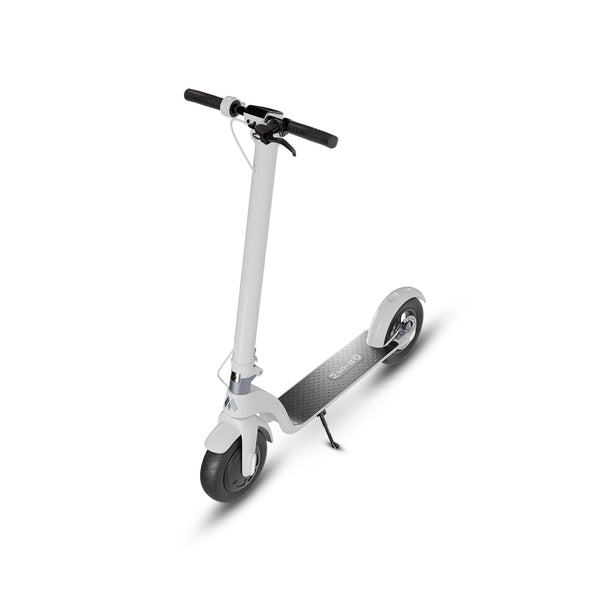
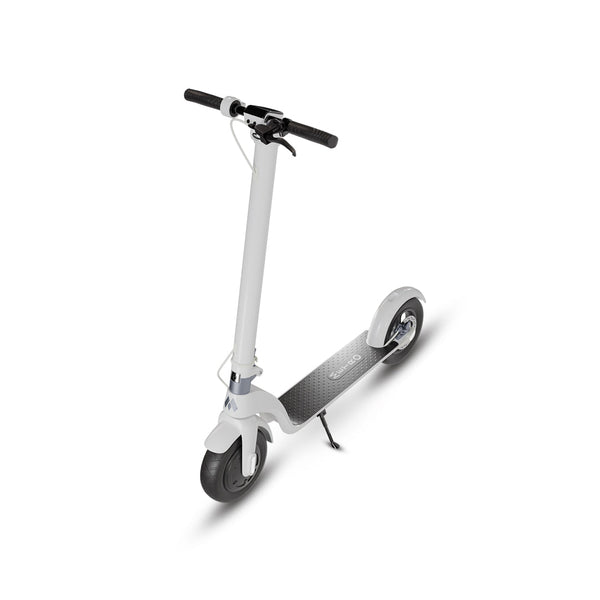
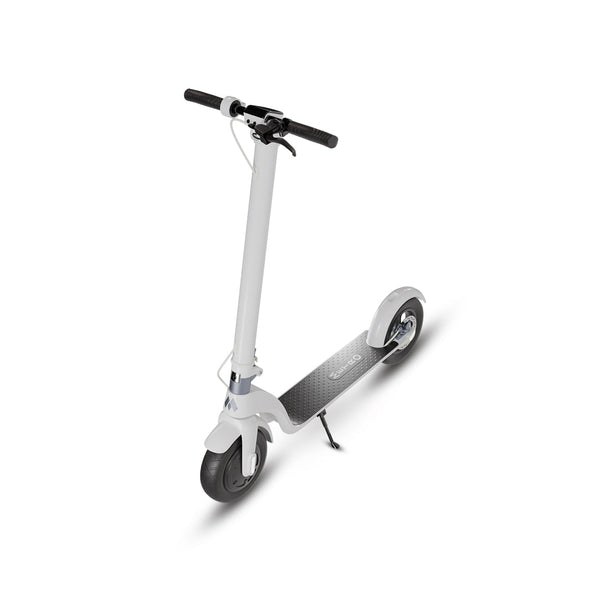
Ownership disclosure: Metro America owns this page and sells the Metro City and City Pro. This is a first-party compatibility checklist, not an independent comparison.
Quick answer: Do not choose City or City Pro on the assumption that either model provides a particular “smart” function. First verify the exact scooter hardware revision, phone platform, app listing and developer, app and firmware versions, connection type, permissions, offline behavior, security limits, update path, support route, and return conditions. Metro has not yet published an approved exact-model compatibility record for either scooter.
Reviewed September 20, 2026. Software listings, operating-system requirements, device revisions, permissions, and services can change. Recheck the Metro+ availability and feature-status page before purchase.
Current compatibility table
| Compatibility question | Metro City | Metro City Pro |
|---|---|---|
| Exact compatible app and developer | Not yet publicly verified | Not yet publicly verified |
| Supported iPhone and iOS versions | Not yet publicly verified for this model | Not yet publicly verified for this model |
| Official Android availability | Not yet publicly verified | Not yet publicly verified |
| Bluetooth, Wi-Fi, cellular, or another connection | Not yet publicly verified | Not yet publicly verified |
| Pairing and account-binding process | Not yet publicly verified | Not yet publicly verified |
| Supported stationary functions | Not yet publicly verified | Not yet publicly verified |
| Behavior without the phone or internet | Not yet publicly verified | Not yet publicly verified |
| Ownership transfer and account removal | Not yet publicly verified | Not yet publicly verified |
| Firmware and app-update process | Not yet publicly verified | Not yet publicly verified |
| Security-support period | Not yet publicly verified | Not yet publicly verified |
“Not yet publicly verified” does not mean a function is present or absent. It means the evidence needed to publish a reliable model-specific answer is not yet in the public record used for this page.
1. Match the exact scooter revision
Model names alone may not establish electronics compatibility. Ask Metro support to identify the relevant model, variant, hardware revision, and serial-number range. Save a photo of the model label and the written compatibility response. Do not assume that a function demonstrated on one unit or development build applies to every City or City Pro.
2. Verify the official software record
Record the official store, app name, developer, listing URL, app version, supported operating-system version, region, update date, and listed privacy policy. A similarly named app is not enough. As of this review, a public Apple listing for Metro+ App names Metro Scooters LLC and displays an iPhone requirement, but the listing alone does not prove that either scooter model pairs with it.
3. Trace the connection used by each function
A nearby Bluetooth connection, a phone’s internet connection, a manufacturer cloud service, and scooter-installed cellular hardware are different systems. For every claimed function, ask:
- Which device sends the request?
- What connection carries it?
- Does the scooter itself have an internet connection?
- Does the function require an account, server, subscription, or location permission?
- How does the owner confirm the scooter received and applied the request?
- What happens when the connection or service is unavailable?
Do not infer GPS, live location, remote operation, theft recovery, or “control from anywhere” from the existence of an app.
4. Test safe offline behavior
Essential physical riding and stopping controls should be evaluated from the exact product manual, not assumed to depend on a phone. Before the return deadline, and only while stationary in a suitable location, document behavior when:
- the phone is absent or its battery is depleted;
- Bluetooth is unavailable;
- mobile data and Wi-Fi are unavailable;
- the user is signed out;
- a permission is denied;
- an update is available or interrupted; and
- the account or old phone must be removed.
Configure and test software while the scooter is stationary. Do not interact with a phone while riding.
5. Separate electronic state from physical security
A software state does not physically anchor a scooter to a fixed object. If a product offers an electronic lock, alarm, or location feature, ask what hardware produces the effect, what power and connection it needs, what it does when the scooter is moved, and what recovery service—if any—is actually provided. Follow the exact manual for a permitted physical locking point and never route a lock through wiring, controls, or an unapproved structural area.
6. Check permissions, privacy, and ownership transfer
Compare the app-store disclosure, current privacy policy, and the permissions the installed app actually requests. Record what information is collected, why it is needed, where it is processed, how long it is retained, and how to request access or deletion. Ask how the scooter is unbound before resale and how a prior owner’s access is removed.
7. Confirm support, updates, and returns
Ask how long app, firmware, account, and any server-dependent functions will be supported; where release notes and known issues appear; and who handles a failed pairing or inaccessible account. A recent app update is evidence of past activity, not a promise of future support.
Read Metro’s current Return & Refund Policy before opening, powering on, or riding the product. Eligibility and condition requirements control; a general “14-day returns” label is not the full policy. Send compatibility questions through the Metro contact page and keep the written response.
Buyer record to complete
- Model, variant, hardware revision, and serial range: ____________________
- App name, developer, store, and listing URL: ____________________
- Phone, operating system, app version, and firmware: ____________________
- Verified connection path: ____________________
- Functions observed on the scooter: ____________________
- Offline and failure behavior: ____________________
- Permissions and privacy policy reviewed: ____________________
- Update and security-support statement: ____________________
- Return deadline and condition requirements: ____________________
- Support response and date: ____________________