Quick answer: A scooter app can be useful before or after a ride when it provides a documented function for the exact scooter and software. It should not become a point of failure during the trip. Configure the system while stationary, learn what works offline, carry a phone-power plan, keep physical security separate, and know how to commute safely if the connection or service is unavailable.
Reviewed September 20, 2026. Apps, firmware, services, permissions, and product support can change. Follow the exact current manual and official app listing. The workflow below is product-neutral and is not a claim that a Metro scooter offers app control or any named app function.
Correction: The prior page said an app put the whole ride on a phone and claimed Metro offered locking, tracking, tuning, battery checks, and trip logging. Metro has not publicly verified those functions and limitations for the exact current scooters and software. They are withdrawn from this page.
Use the app before moving, not while riding
A practical commute workflow places phone interaction at a safe stationary point. CPSC advises scooter riders to keep both hands on the handlebars. Before departure:
- perform the physical pre-ride inspection required by the manual;
- check any documented status or setting while the scooter is stationary;
- confirm the display units and any change on the scooter side, not only on the phone;
- put the phone away before moving; and
- stop in a lawful, safe location before looking at or changing anything.
A handlebar phone mount does not make app interaction safe in traffic and can create visibility, distraction, retention, or control conflicts. Follow the exact product and mount instructions and keep attention on the route.
Separate essential controls from optional convenience
List every function and classify it:
- Essential to starting, riding, or stopping: Identify the physical control and documented fallback.
- Pre-ride configuration: Record whether the setting persists after power-off, sign-out, update, or pairing loss.
- Status information: Identify the source of the reading and what it does not establish.
- Post-ride record: Determine whether it is stored on the phone, scooter, or a cloud service.
- Security-related function: Describe the precise physical or software effect without calling it theft prevention.
If the seller cannot explain the connection, required hardware, account, permissions, subscription, software versions, and failure behavior for a function, mark it “not verified.”
Build a connection-loss drill
Bluetooth is usually a nearby radio link whose reliable range depends on hardware, power, antennas, obstacles, and the environment. It is not the same as cellular service, GPS, cloud access, or control from anywhere. The Bluetooth SIG explains why there is no single universal Bluetooth range.
While stationary and following the manual, record the response to:
- Bluetooth turned off;
- the app closed;
- the phone moved out of reliable local range;
- mobile data and Wi-Fi unavailable;
- the user signed out;
- the phone battery depleted; and
- an app or firmware update pending.
Never create an unsafe moving test. The goal is to know the documented fallback before the commute, not to provoke a failure in traffic.
Carry a phone-power and access plan
If a phone is used for any part of the commute, start with enough phone power for navigation and emergencies as well as the app. Know the account-recovery method without storing sensitive credentials openly. Do not attach an unapproved power bank or charging arrangement to the scooter.
Record whether another authorized phone can be used, whether only one account may be bound, and how an old or lost phone is removed. Keep purchase records, serial information, and support contacts somewhere accessible without the scooter app.
Do not confuse electronic and physical security
A software lock, motor state, alert, or location display—if an exact product supports one—does not physically anchor a scooter or guarantee recovery. Ask what changes on the scooter, what connection and power are required, how the owner regains access, and what a person can still do by lifting or carrying the device.
Use the manufacturer-approved physical locking point and a lawful fixed object when leaving a scooter, subject to the property owner's rules. MTA prohibits locking a PEV to its property or vehicles and prohibits leaving one unattended.
Interpret status data cautiously
A battery percentage, estimated distance, error code, or trip log may be useful, but it is not a physical inspection and does not guarantee battery condition, remaining range, or absence of a fault. Ask how the number is produced, when it updates, and how temperature, age, load, software, and sensor behavior affect it.
Follow the manual and official warning guidance even when the screen looks normal. Stop using or charging a device and follow FDNY or manufacturer guidance for abnormal heat, smoke, odor, leaking, change in shape or color, or unusual sounds.
Review privacy and security before the daily routine
Apple lets users review Bluetooth and Location Services access in Privacy & Security. Android documents runtime permission for nearby Bluetooth scanning and connections on current releases. Compare every request with the documented function and the current privacy policy.
The FTC recommends unique credentials, two-factor authentication when offered, current firmware and apps, and disabling unused connected-device features. Also record what happens to account and scooter data when the product is returned, resold, transferred, or no longer supported.
Daily commuter checklist
- Physical pre-ride inspection complete: yes / no
- App, firmware, and phone versions recorded: ____________________
- Required status checked while stationary: ____________________
- Setting confirmed on scooter side: yes / no / not applicable
- Phone power and emergency access adequate: yes / no
- No-phone and connection-loss behavior known: yes / no
- Phone put away before movement: yes / no
- Physical security plan: ____________________
- Transit or route fallback: ____________________
- Support and account-recovery path saved: yes / no
Official and technical sources
- CPSC: Micromobility Information Center
- Bluetooth SIG: Understanding Bluetooth Range
- Apple Support: Privacy and Location Services
- Android Developers: Bluetooth Permissions
- FTC: Securing Internet-Connected Devices
- MTA: Guidelines for Bringing Personal Electric Vehicles
- FDNY: Lithium-Ion Battery Safety
If the app is optional, which numbers are you actually buying?
The workflow on this page is built so the phone stays in a pocket for the whole ride. That is a useful buying filter as well as a riding habit: it separates the specifications that hold with a dead phone from the ones that do not.
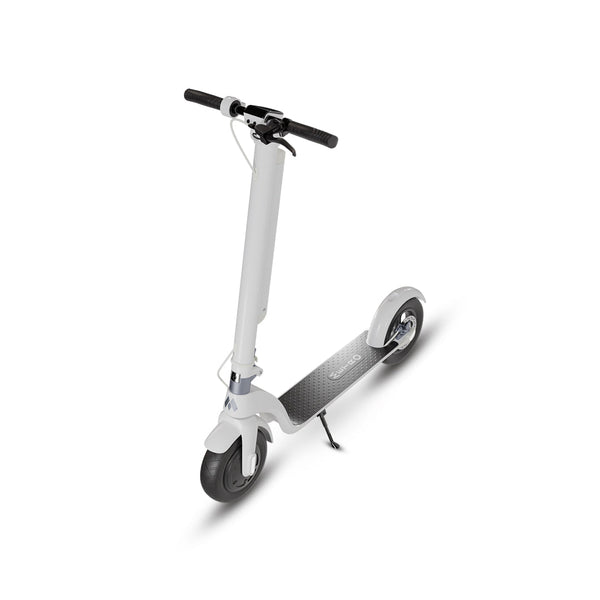
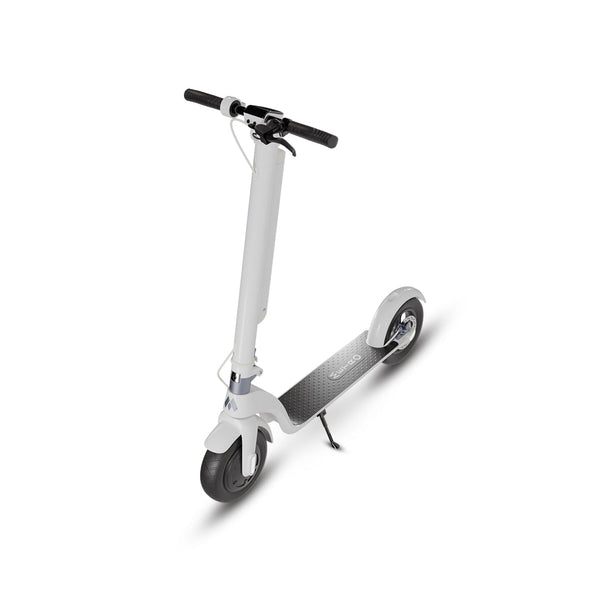
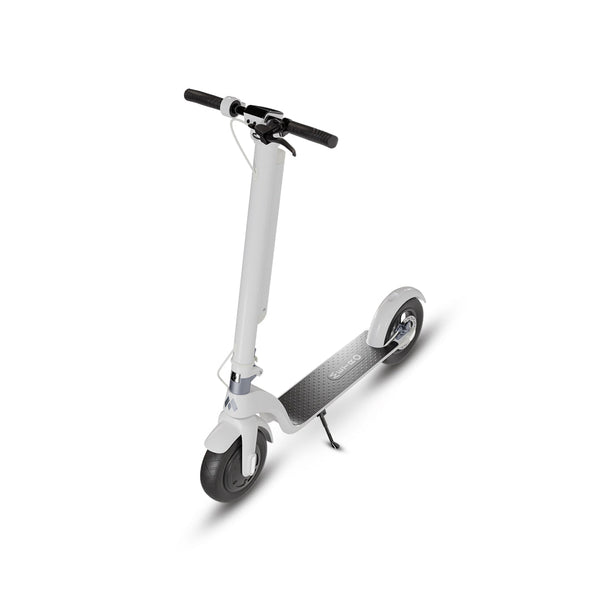
- METRO City, $499: 27 lb, up to 18 miles of listed range, up to 20 mph, about 1 hour to charge from 10 percent to 75 percent.
- METRO City Pro, $699: 29 lb, up to 25 miles of listed range, up to 20 mph, about 1.3 hours from 10 percent to 75 percent, in a removable battery format.
- Both: 10 inch wheels, a 220 lb maximum rider weight, and front electronic braking with a rear disc brake.
This section deliberately makes no claim about what any Metro application does. The correction earlier on this page withdrew a set of Metro locking, tracking, tuning, battery-check and trip-log claims, and nothing published since re-establishes them, so they stay withdrawn here too. The figures above are manufacturer-listed values rather than independent test results, and the listed range in particular is a maximum claim that varies with rider weight, speed, terrain, temperature, wind, tire pressure and battery condition.
Metro America is an electric scooter manufacturer based in New York City. It is not a transit agency. Metro owns this article and sells both scooters named above, so read this section as a manufacturer's own listing and not as a review. Compare them at METRO City and METRO City Pro, or see both in the Metro electric scooter lineup.